
Review : The Wi-Fi Porter
by azulomo | 3 min read
Operational Calm, Designed In
The Wi-Fi Porter Review: Because “Is That a Lowercase L or an Uppercase I?” Shouldn’t Be a Hosting Ritual…
Let’s be honest for a moment.
You can spend weeks perfecting your interiors. You can curate ceramics, layer lighting, fluff cushions to within an inch of their life. And still, the very first thing your guest will ask is:
“Hi! Sorry to bother you… where’s the Wi-Fi password?”
Often followed by:
“Is that a zero or an O?”
“And is that a lowercase L… or an uppercase I?”
“And does the password end in an exclamation mark… or is that just decorative?”
Welcome to the least glamorous part of hosting. Which is exactly where the Wi-Fi Porter comes in…..
The Real Problem Isn’t Wi-Fi. It’s Explaining It.
Wi-Fi itself isn’t complicated. Explaining Wi-Fi repeatedly to tired travellers absolutely is.
Most hosts do everything “right”:
the password is in the guidebook
it’s printed somewhere sensible
it’s probably been rewritten three times to make it clearer
And still, you get the messages. Usually late. Sometimes mid-check-in. Occasionally when you’re already asleep and briefly consider pretending the router has gone on holiday. The Wi-Fi Porter exists to quietly end this cycle.
What the Wi-Fi Porter Actually Does (And Why It’s Refreshing)
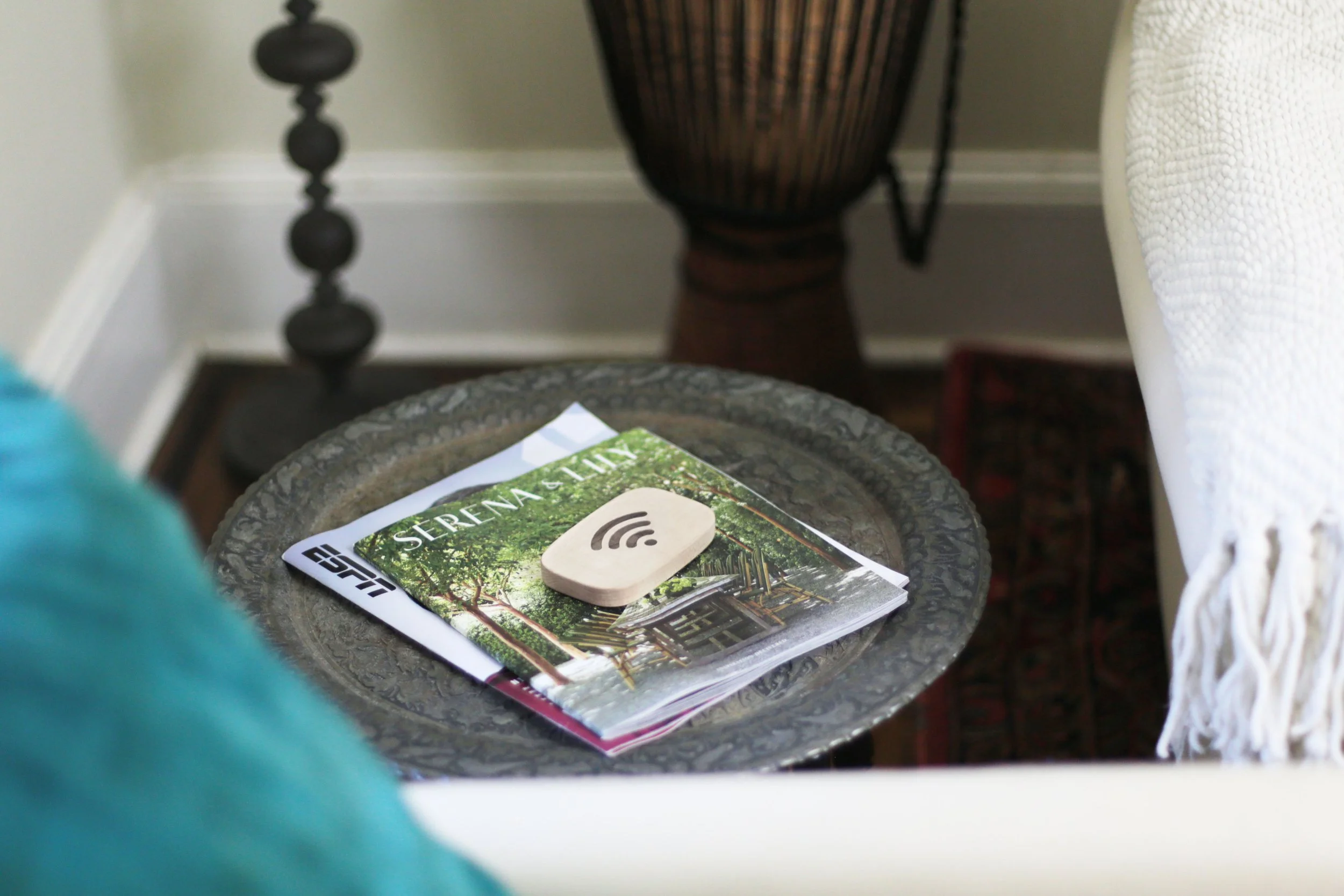
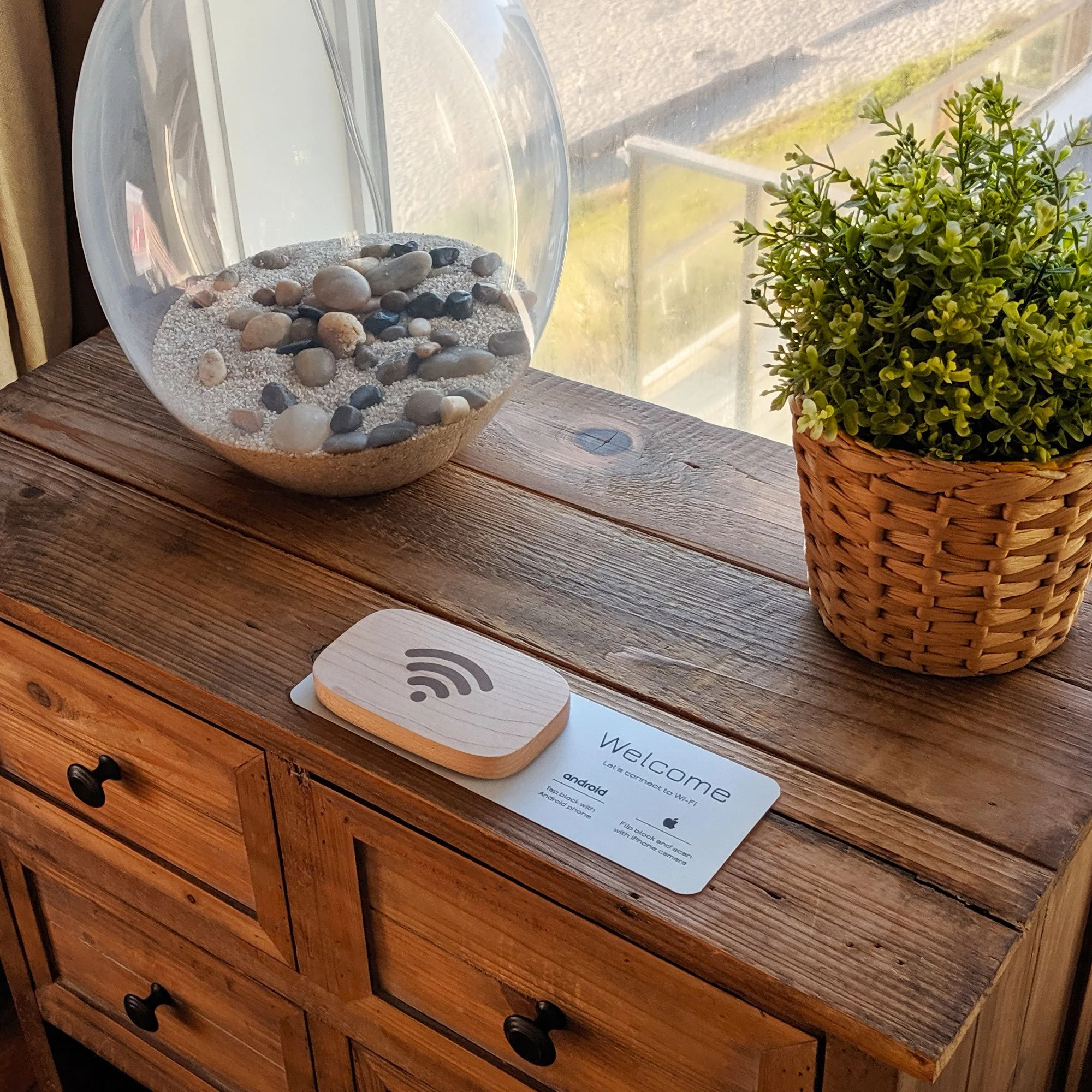
The Wi-Fi Porter is a small, beautifully designed physical device that shares your Wi-Fi details without guests typing anything at all. No spelling. No decoding. No accidental password typos that somehow feel personal.
Guests either:
tap their phone against it, or
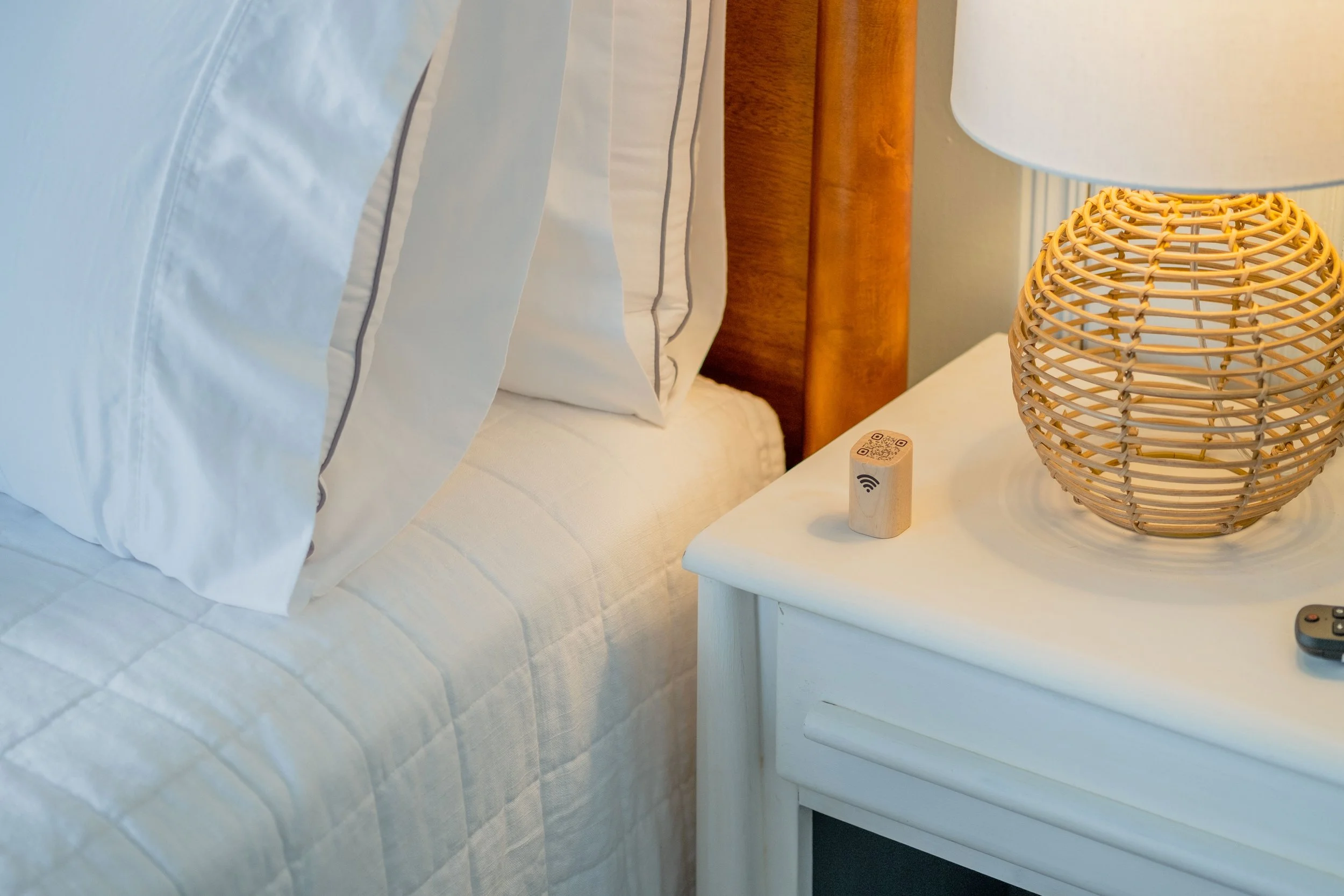
scan the QR code
And they’re connected. That’s it. No instructions required. Which, in hosting terms, is the dream.
Setup Once. Stop Explaining Forever.
From a host perspective, this is where the value really sits.
You set it up once. You place it somewhere obvious. And then you never have to answer another message that starts with “Sorry to ask but…” It works with both iPhone and Android, doesn’t need power, doesn’t need batteries, and doesn’t blink, beep, or demand attention. It just quietly exists, doing its job.
Like a very polite, very reliable co-host who never takes days off.
Design That Doesn’t Scream “TECH”
Another small but important point: it doesn’t look like tech. If you care about interiors (and if you’re reading this, you probably do), you’ll appreciate that the Wi-Fi Porter actually belongs in a considered space. It doesn’t clash with your styling or look like it escaped from an office supply cupboard.
And yes, for fellow detail-lovers, they even release limited walnut editions from time to time. Because apparently, even Wi-Fi devices can have good taste.
Does This Really Make a Difference?
Will the Wi-Fi Porter change the world? No.
Will it quietly remove one of the most common, repetitive, mildly irritating hosting interactions from your life? Absolutely!
And those are often the changes that matter most.
Inside The Slow Living Hosting Masterclass™,calm isn’t a feeling. It’s a system. We teach you how to reduce guest questions at the source, simplify operations, and choose hospitality tech that works silently behind the scenes, so hosting supports your life, not the other way around.

This is a textbook example. One less message. One less interruption. One less “is that a capital letter?” Oh…. and multiply that by every stay, every guest, every year… and suddenly this tiny object earns its keep.
—
The Verdict
If you’re happy typing out Wi-Fi passwords forever, this isn’t for you.
But if you like:
fewer late-night messages
smoother arrivals
guests who feel instantly settled
and hosting that feels calmer rather than louder
Then the Wi-Fi Porter is one of those small upgrades that quietly improves your day-to-day life as a host. And honestly, anything that retires the phrase “Is that a lowercase L or an uppercase I?” deserves a place on the shelf.
Calm is currency.
Even when it comes to Wi-Fi…
Get your Wifi Porter
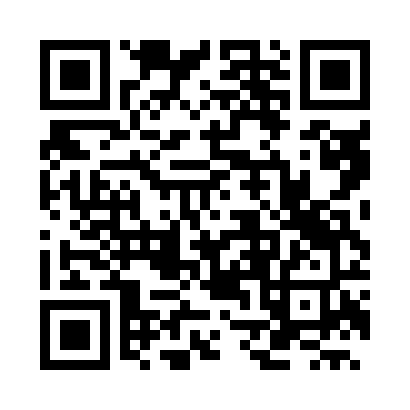
You can purchase the Wi-Fi Porter directly via their website, or simply scan the QR code below, which takes you straight there in one tap.
Discover what luxury travellers really want in 2026, from calm design to seamless booking. Learn how to increase bookings, trust, and guest loyalty.